Skip to content

GongVPN

Your IP:

216.73.217.99
• Your Status: Unprotected

Protect All Devices with a VPN for Router

Connect your devices and extend VPN protection instantly without an app.

Set up conveniently.

Secure all devices with VPN for router.

Enjoy unlimited bandwidth.

GongVPN’s Features

A complete suite of features that enhances your privacy and entertainment experiences.

AES 256-bit Encryption

Scramble your data to protect it against third-party intervention. GongVPN uses AES 256-bit encryption for security.

Unlimited Bandwidth

Download or stream movies in the highest quality without ever worrying about hitting a data limit.

Simultaneous Connections

Connect up to 10 devices and enjoy VPN protection with an GongVPN subscription.

Internet Kill Switch

Prevent your IP address from leaking out in the event the VPN connection is lost.

Ad-Blocker

Block unwanted ads that are intrusive to your web browsing experience.

Split Tunneling

Continue accessing native content while only the selected traffic passes through the VPN server.

VPN Made Easy

GongVPN makes privacy more simpler.

STEP 1

Subscribe to GongVPN.

STEP 2

Configure a router with any GongVPN server.

STEP 3

Connect devices to the router and start surfing privately.

Stream Your Favorite Content Securely with a Router VPN

GongVPN  believes in complete freedom. Unlimited bandwidth lets you stream movies, TV shows and sports in 4K quality without hassle. Watch Netflix, Disney+, Amazon Prime, Hulu, and more on any device, while protecting your overall internet traffic with a VPN for router.

✔️ Access popular international content.

✔️ Secure with AES 256-bit encryption.

✔️ Choose from 150+ servers.

✔️ Block malicious websites.

Instant VPN Protection

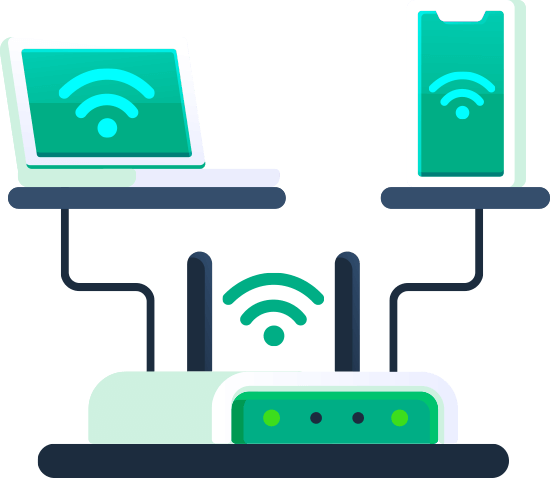
With GongVPN  on Router, there is no need for an app. Setup GongVPN  on a compatible router and connect any device for instant VPN protection. Your VPN router is now a secure hub that protects your privacy on all devices.

Frequently Asked Questions

VPN files for OpenVPN and server addresses are available for configuring the router using your credentials. Once you have everything entered, it’s simply a process of connecting to the VPN server from the router.

One iProVPN allows up to 10 simultaneous connections. Just add devices and you’re good to go.


Not all routers allow VPN configuration. Refer to the manufacturer’s manual for confirmation. The other alternative is to install DD-WRT firmware on a compatible router to enable VPN configuration.